.webp)

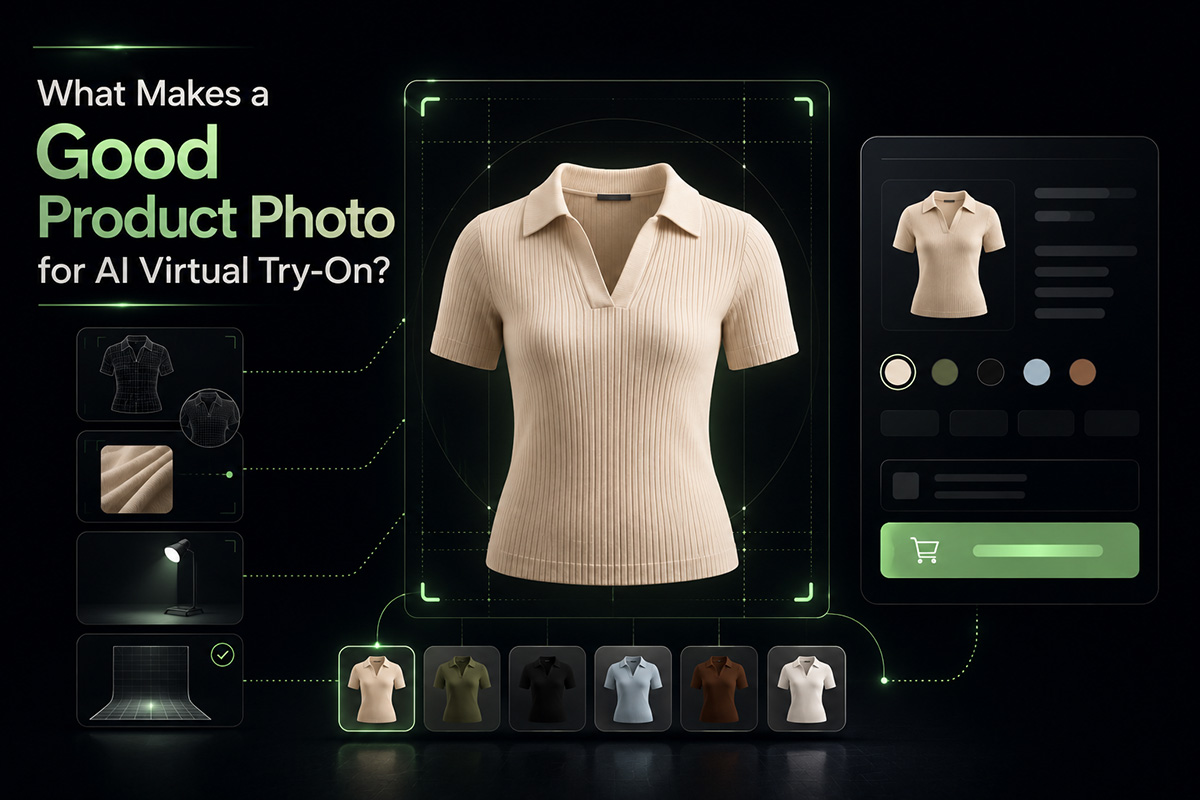
A good AI virtual try-on result does not start with the AI model.
It starts with the product photo.
For fashion ecommerce stores, the product image is the raw material ETRYON uses to understand the garment. If the image is clear, complete, and close to the item shoppers are actually selecting, the try-on experience has a much better chance of feeling useful.
If the image is cluttered, cropped, overly styled, or mismatched with the selected variant, even a strong AI virtual try-on system has less reliable information to work with.
AI virtual try-on is not a fix for weak product photography. It works best when your product photo already explains the garment clearly.
Why Product Photos Matter for AI Virtual Try-On
In a normal product page, a shopper uses the photo to judge color, shape, fabric, and styling.
In AI virtual try-on, the system also uses that image to understand what garment should appear in the generated result.
That makes product photography doubly important. The image has to help both the shopper and the try-on system.
A strong product photo gives clear signals:
- What the item is
- Where the garment begins and ends
- What color or pattern should be preserved
- Which variant the shopper selected
- How the item should be visually represented
When those signals are weak, the result may feel less accurate, less consistent, or less connected to the product page.
1. Use a Clear Front View
The best product photo for AI virtual try-on usually shows the garment clearly from the front.
Side angles, dramatic poses, and editorial crops can look good in a lookbook, but they often make the garment harder to interpret. For try-on, clarity beats drama.
Use an image where the main item is easy to identify, not hidden by hands, props, bags, jackets, or heavy styling.
Quick checkIf a human shopper needs more than two seconds to understand the garment in the image, the photo is probably too busy for a first try-on image.
2. Avoid Heavy Cropping
Cropped product images can make virtual try-on harder.
If the top of a dress, the hemline, the sleeve shape, or the waist area is cut off, the system has less information about the garment structure.
For apparel, try to show the full item whenever possible. This is especially important for dresses, coats, jumpsuits, trousers, and long tops.
Close-up detail images are still useful on the product page, but they should not be the primary image used for try-on.
3. Match Product Variants Carefully
For Shopify and WooCommerce stores, variants matter.
If a shopper selects the green version, the try-on experience should use the green version whenever that image is available. If the selected variant does not have its own image, the result may rely on a default product image instead.
That can create a gap between what the shopper chose and what the try-on preview suggests.
Before enabling AI virtual try-on on a product with variants, check:
- Does each important color have its own product image?
- Are variant images assigned correctly?
- Does the main image match the default selected option?
- Are patterns and fabric details visible enough?
This is one of the easiest ways to improve the try-on experience without changing your store design.
4. Keep the Background Simple
A clean product image is easier to work with than a crowded scene.
Busy backgrounds, mirrors, furniture, strong shadows, other garments, or multiple people in the same frame can make the product less clear.
That does not mean every image must be a flat white studio shot. Lifestyle photos can work, especially when the garment is still obvious.
The rule is simple: the background should support the product, not compete with it.
5. Avoid Extreme Styling in the Primary Try-On Image
Layered outfits can be beautiful, but they can also confuse the garment signal.
If a dress is covered by a coat, a top is tucked under a bulky jacket, or a skirt is hidden by a bag, the image may not clearly communicate the item shoppers want to try on.
Use editorial images for inspiration. Use cleaner product images for try-on.
A practical product page can still include both: one image for mood, one image for try-on clarity.
6. Use Consistent Image Quality
Low-resolution, blurry, compressed, or poorly lit images make everything harder.
For AI virtual try-on, product images should be sharp enough to show garment edges, silhouette, neckline, sleeves, length, and pattern details.
Consistency also matters across your catalog. If one product uses a clean studio image and another uses a dim mirror photo, shoppers may experience very different try-on quality from item to item.
7. Choose the Right Products to Start With
You do not need to enable AI virtual try-on on every product immediately.
Start with products where the photo quality is strong and the try-on value is obvious.
Good first candidates include:
- Dresses with clear front images
- Tops with visible neckline and sleeves
- Outerwear shown without heavy overlap
- Products with well-assigned color variants
- Items where customers often compare styles before buying
Products that may need more caution include accessories, heavily layered outfits, tiny product images, or items photographed in complex scenes.
A Simple Product Photo Checklist
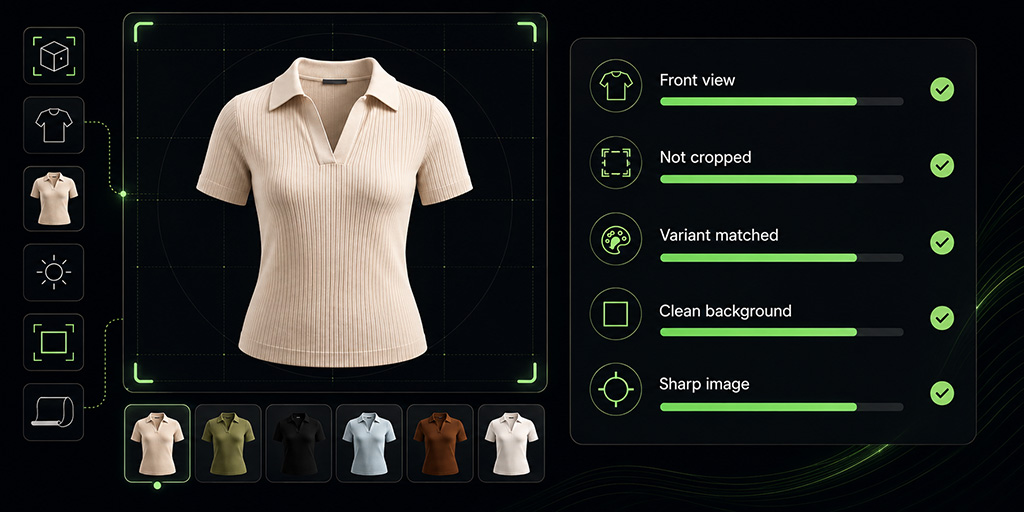
Before enabling ETRYON on a product, use this quick checklist:
- The garment is clearly visible from the front.
- The full item is not heavily cropped.
- The selected variant has the right image.
- The background is not distracting.
- The product is not hidden by props or heavy layers.
- The image is sharp, well-lit, and high enough quality.
- The item is a good fit for visual try-on, not just product browsing.
If a product passes most of these checks, it is a stronger candidate for AI virtual try-on.
How ETRYON Helps Shopify and WooCommerce Stores Use Better Inputs
ETRYON is built for real ecommerce product pages, so product image selection matters in the actual shopper flow.
On Shopify, ETRYON can use the selected product or variant image when available through the product-page app block. On WooCommerce, the plugin can also work with product and variation images inside the modal flow.
That makes image setup part of the merchandising process, not just a technical detail.
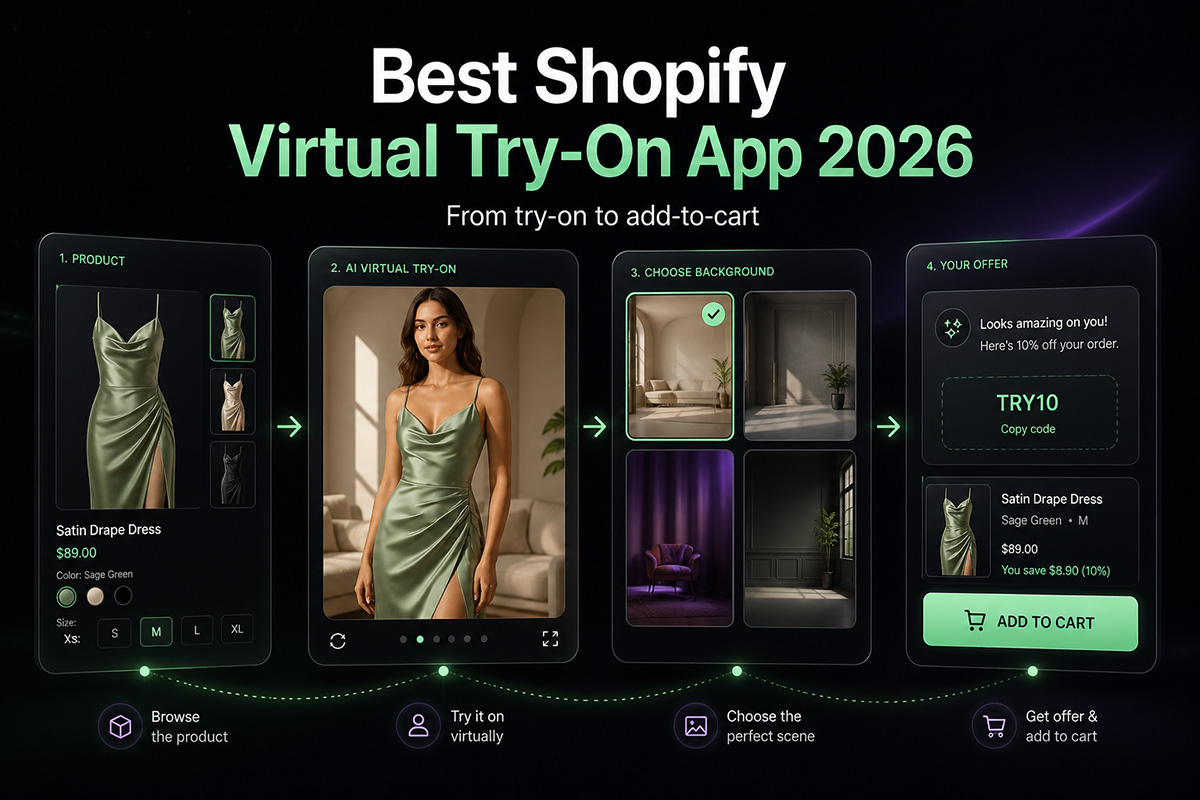
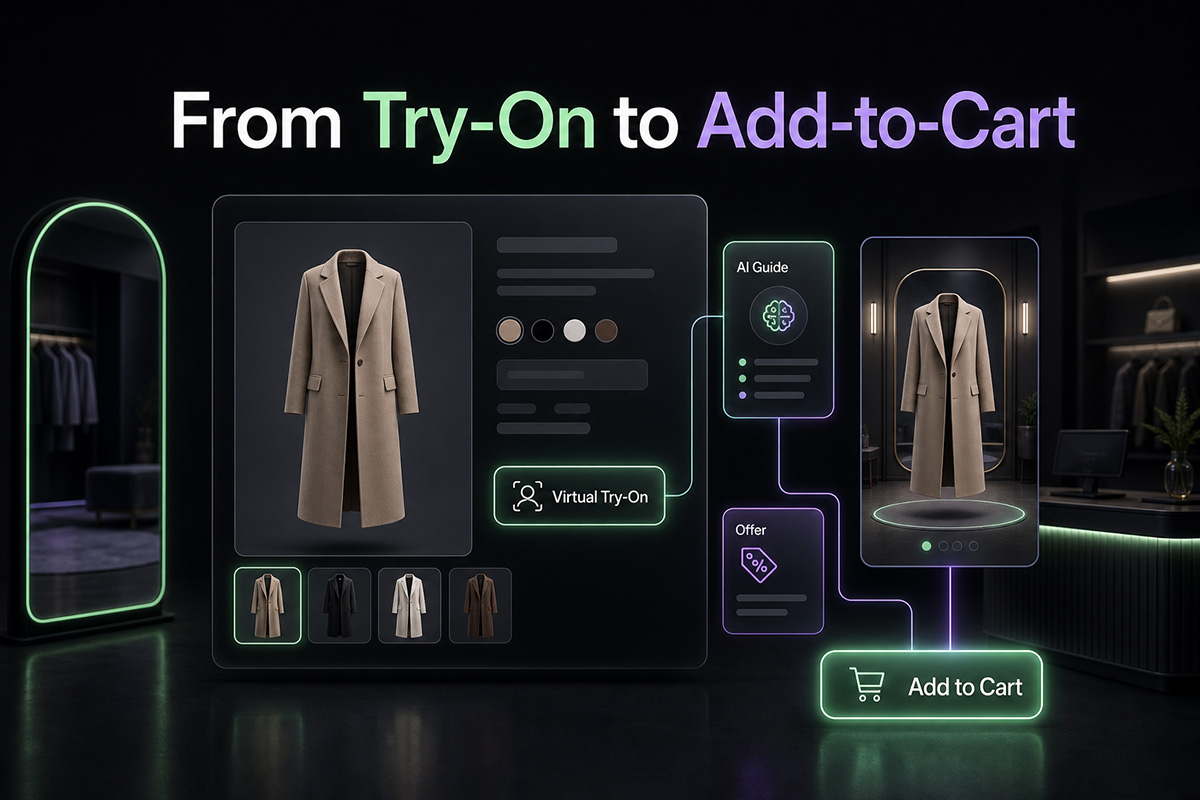
When your product photos are clean, variants are assigned correctly, and try-on is enabled on the right products, shoppers get a more coherent experience from product page to generated result to cart.
Better product photos make AI virtual try-on easier to trust.
Start with your strongest images, test the result, then expand to more products once the flow feels consistent.
ETRYON works best when the product page, the selected variant, and the try-on result all tell the same story.


.avif)

